If you’re a merchant looking to take control over your processing environment, speed up receivables, or get more responsive and better service
Downloading Merchant Statements from QuickBooks
Sign into QuickBooks Merchant Service Center by visiting https://merchantcenter.intuit.com
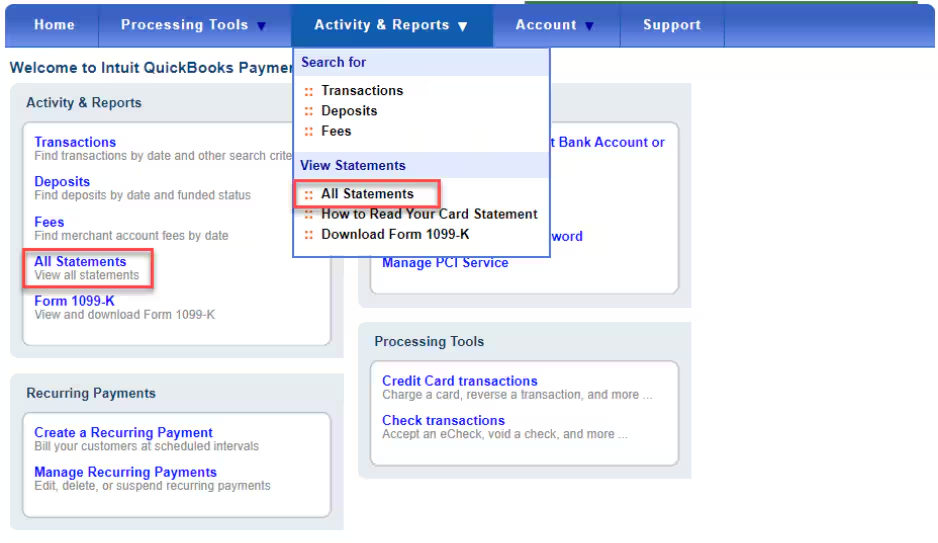
Click Activity & Reports and select All Statements
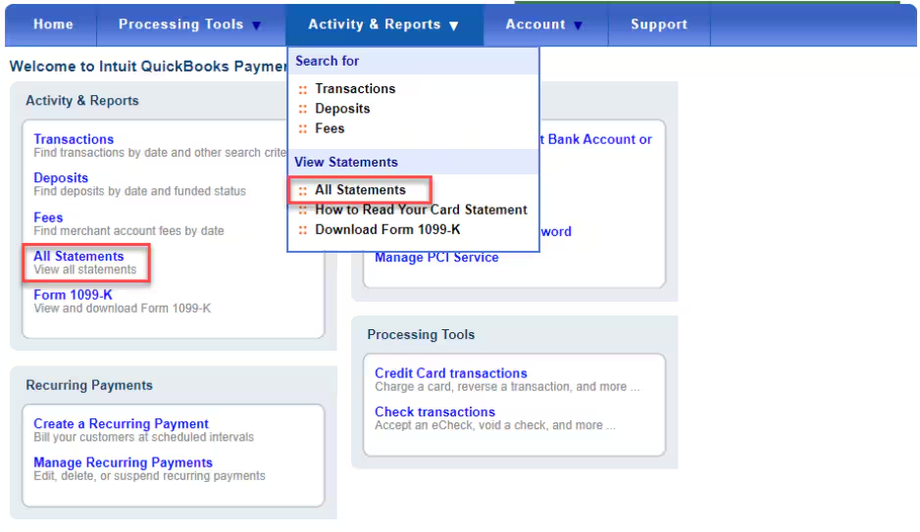
Select View or Download the available statements. It is recommended you get at least the last three months statements. If you are a high volume or large ticket merchant, then we suggest downloading 6 to 12. There really is no downside to more information.