Close all open batches on your device
Power cycle your device by unplugging the power, wait 10 seconds, and then plug it back in
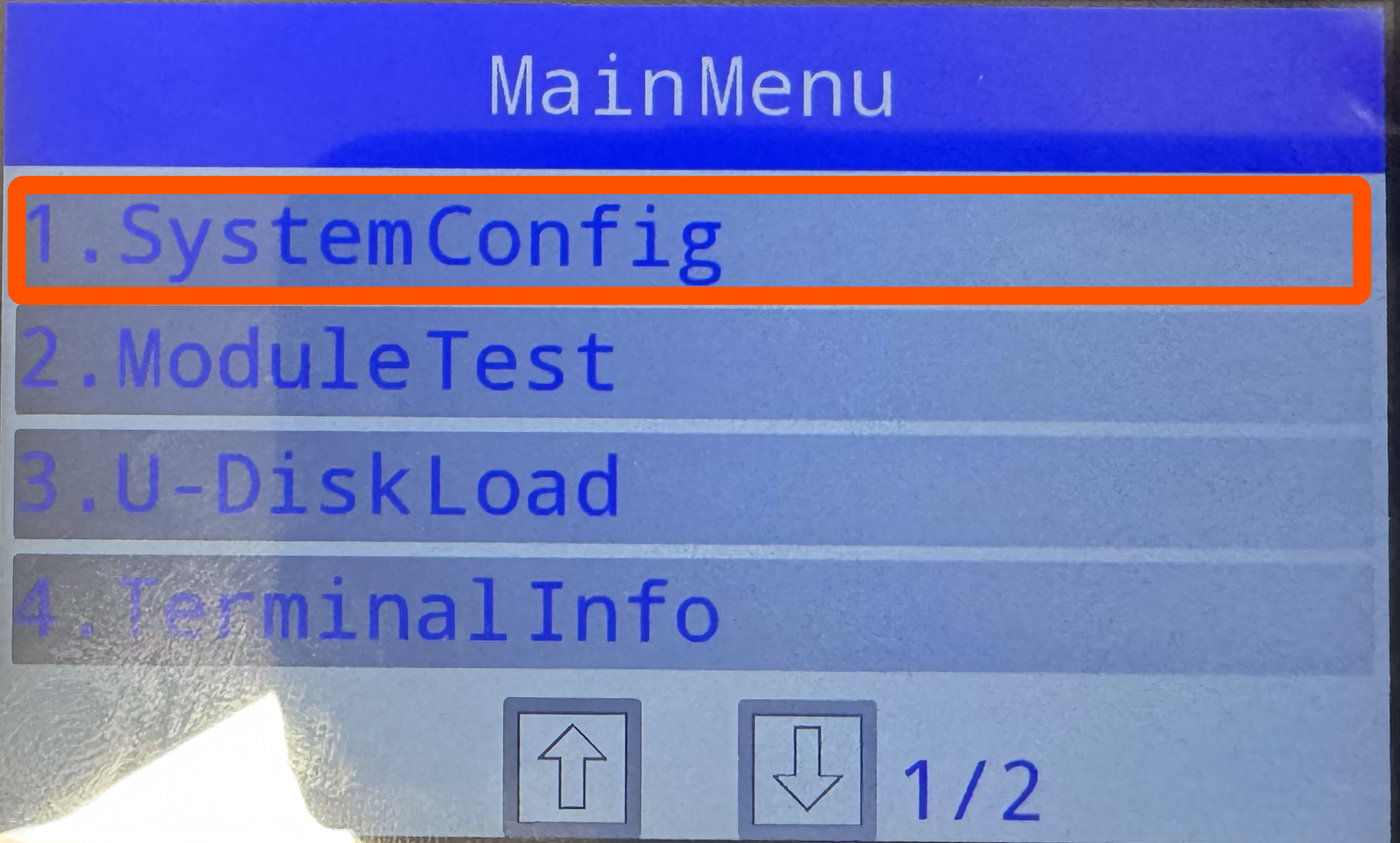
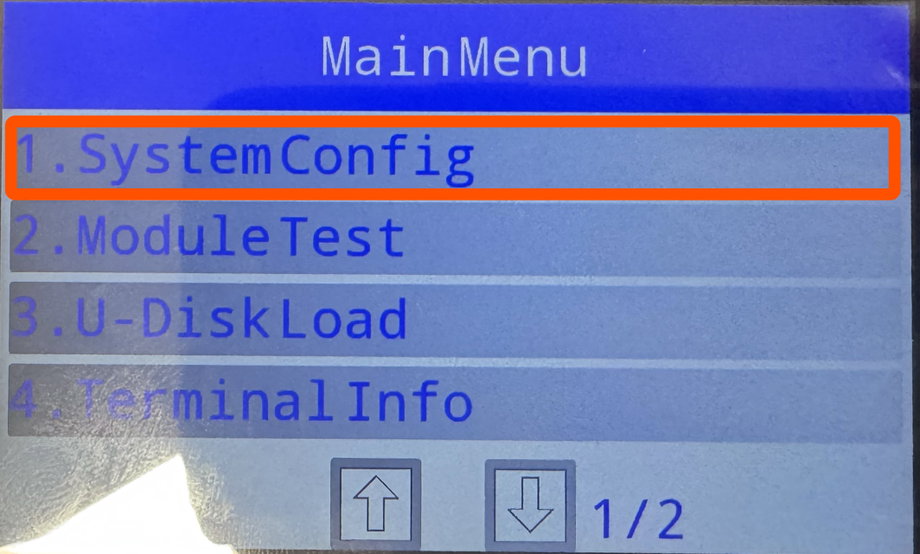
Continue to press the 2 button during the boot sequence until the MainMenu menu displays.
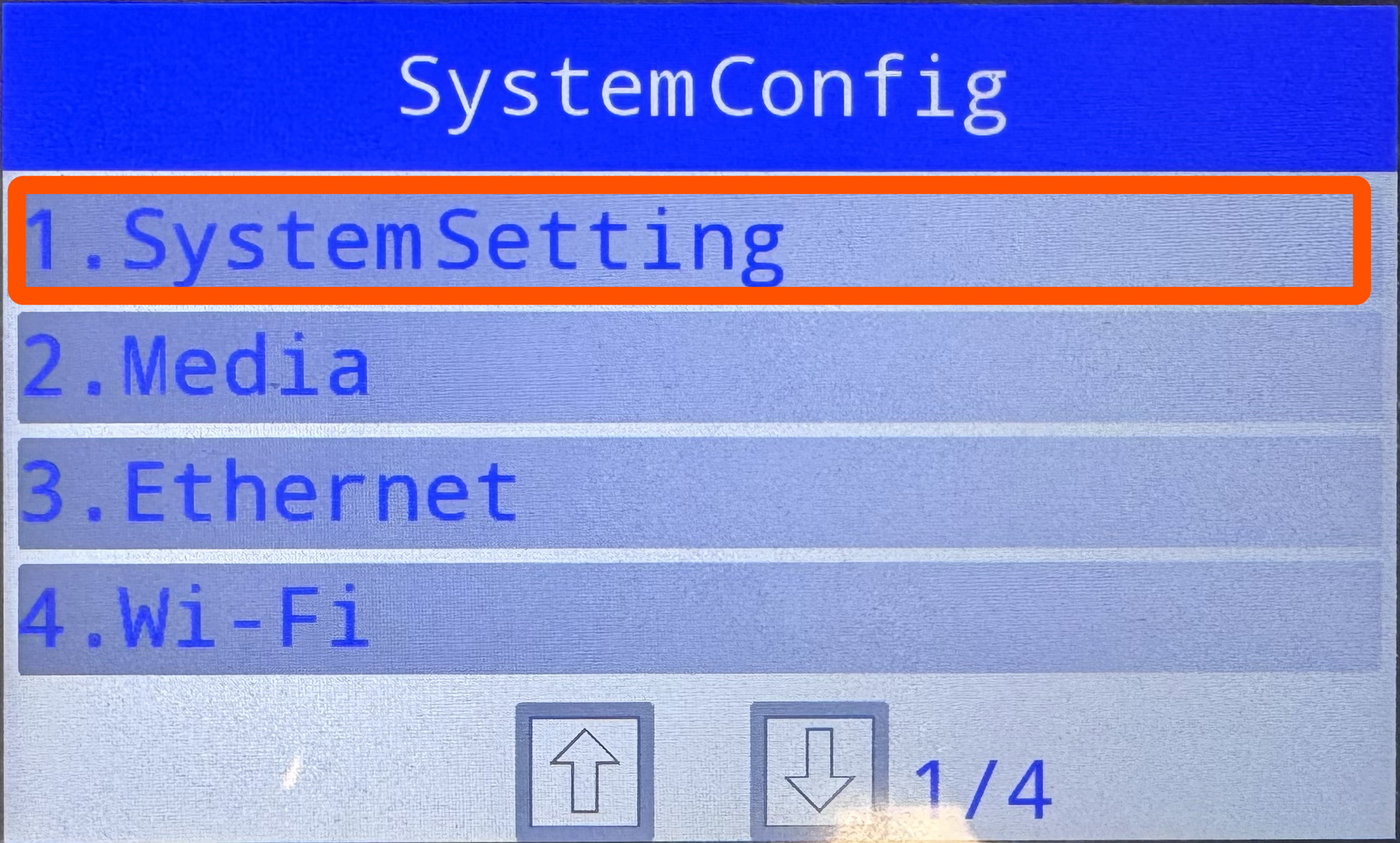
Press 1 on the keypad to select SystemConfig
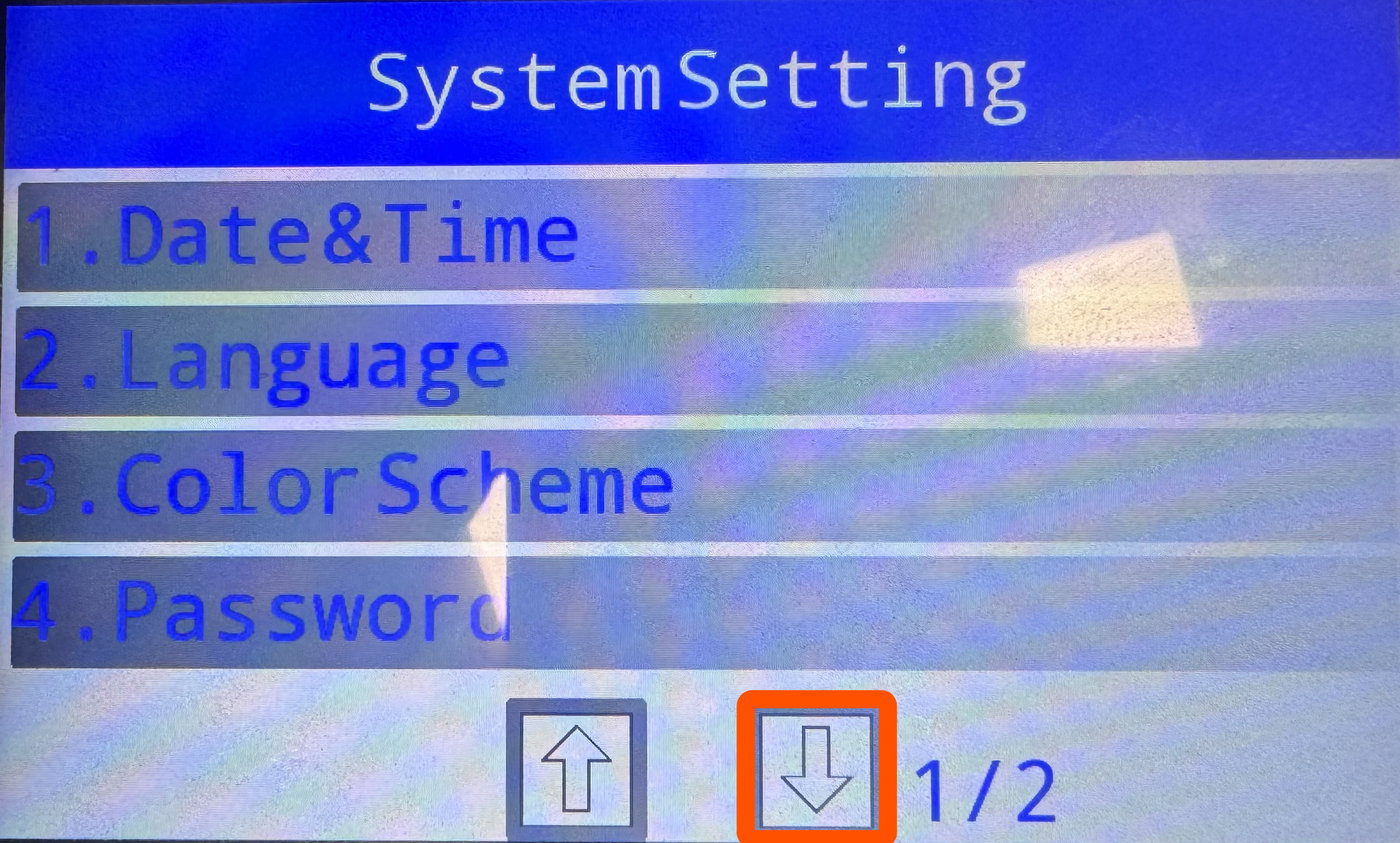
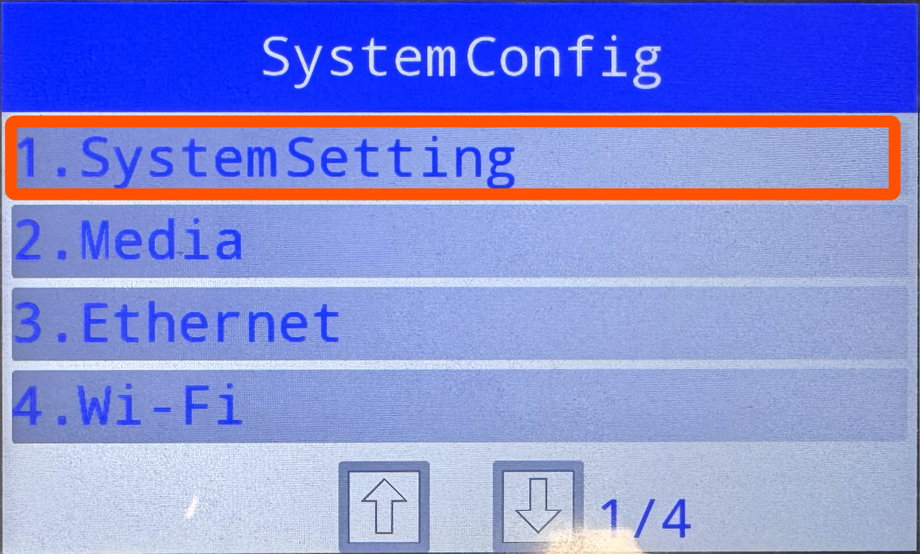
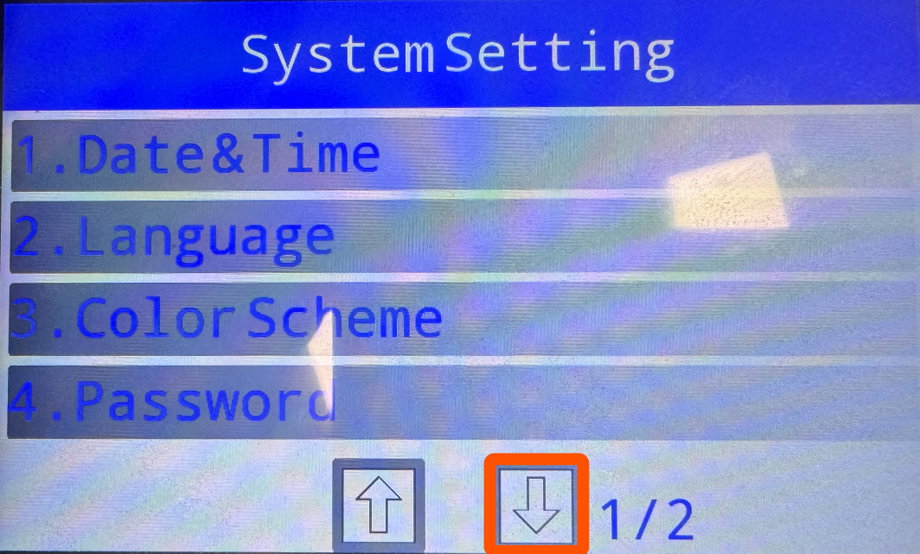
Press 1 on the keypad to select SystemSetting
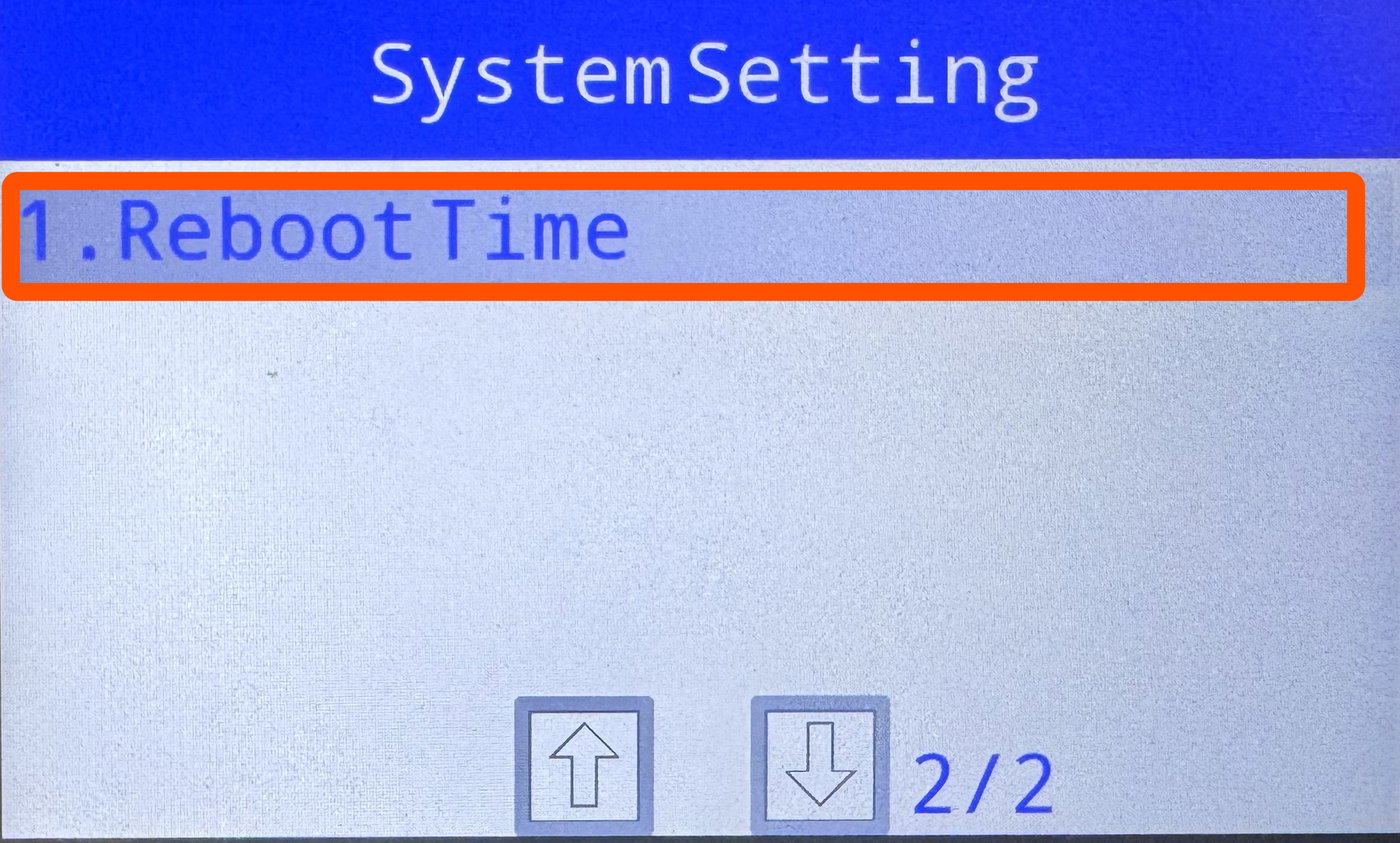
Tap the down arrow to scroll to the next page
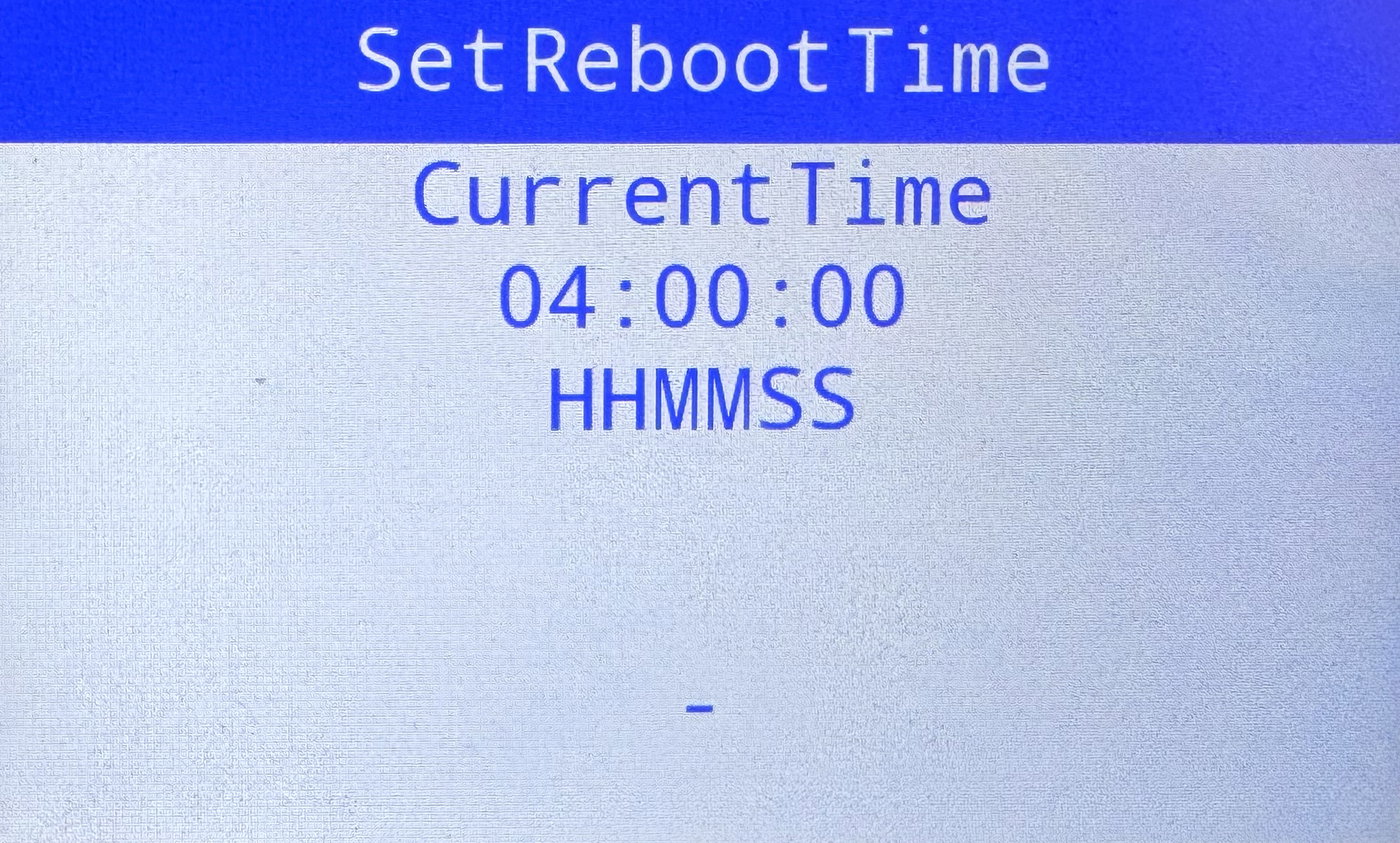
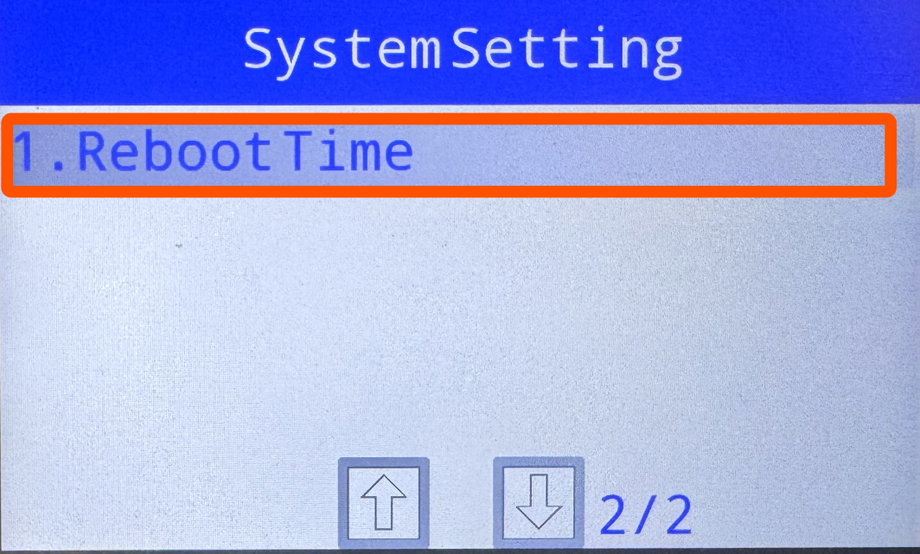
Press 1 to select RebootTime
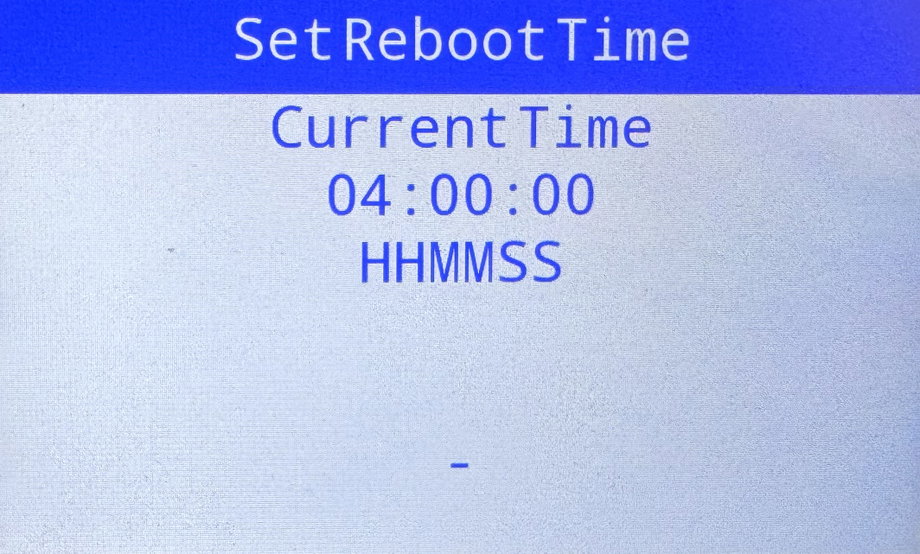
Enter the desired time in military / 24hr format (22:00:00 would be 10pm terminal time) and press the Green key
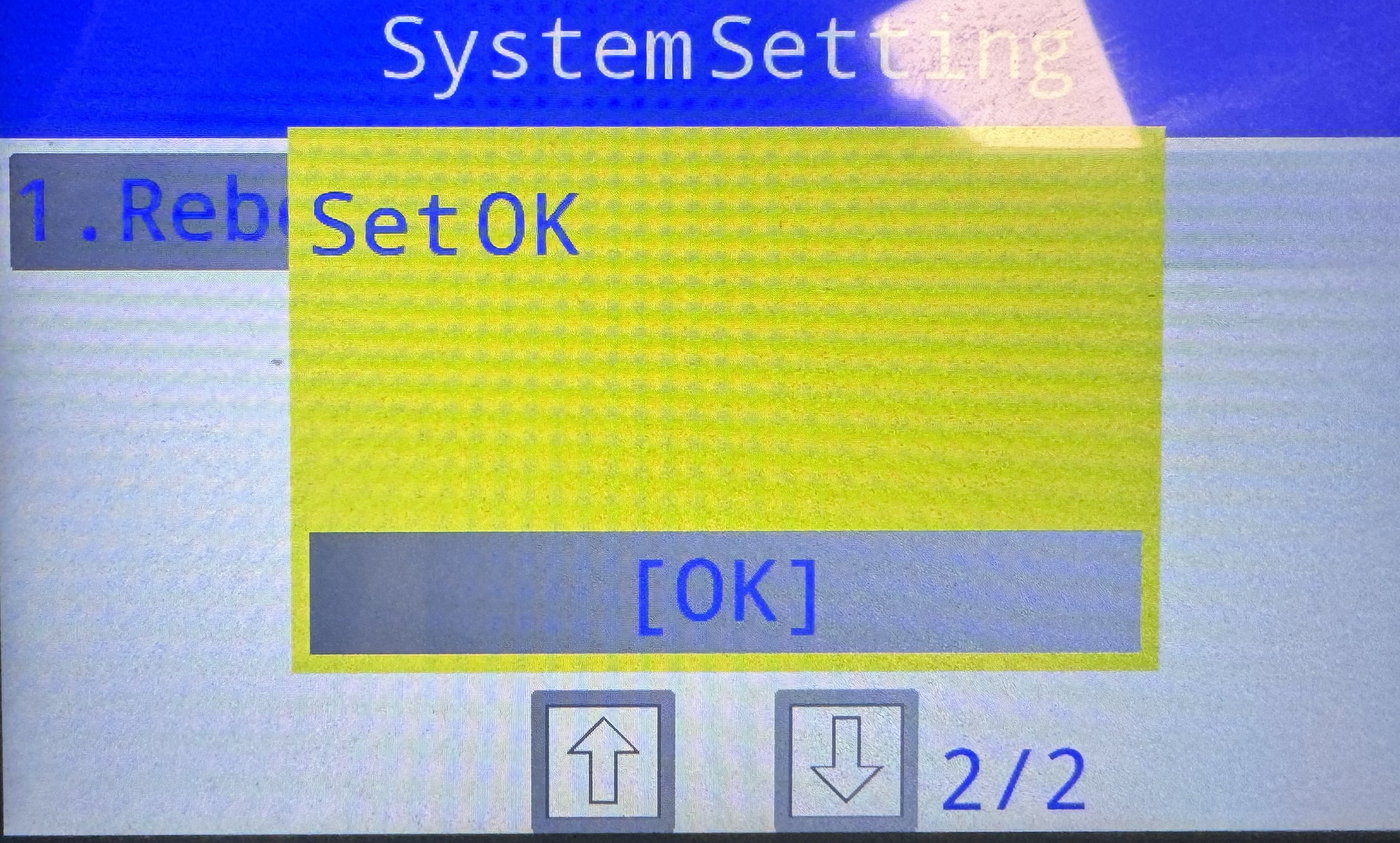
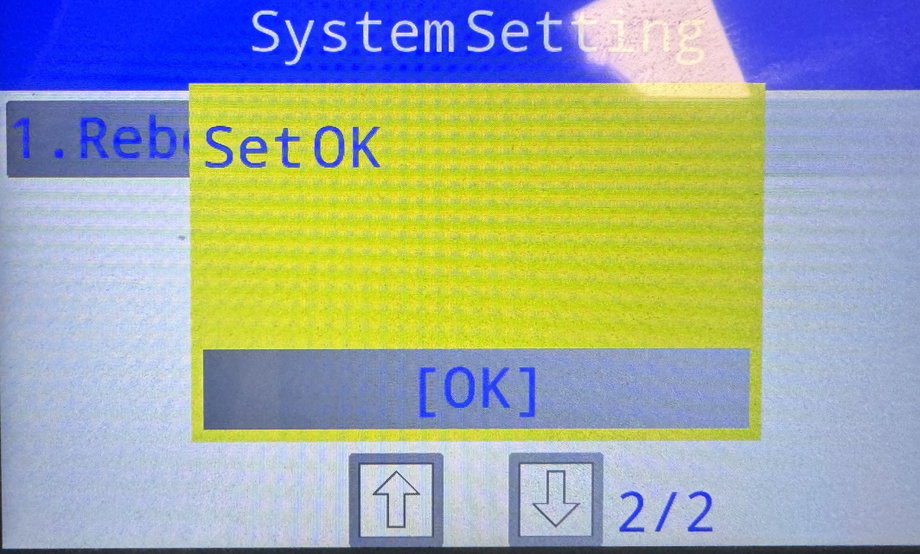
Press the Green key or tap OK to accept the change
Press the red X key until the terminal asks you to confirm exit. Once it does, accept the exit command by pressing the green key.
Terminal will reboot.