
Log into Tricera by visiting https://tricera.iriscrm.com
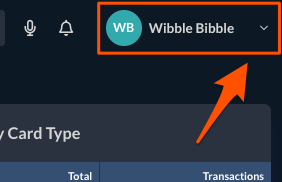
At the top right of your screen, the dropdown arrow next to your name
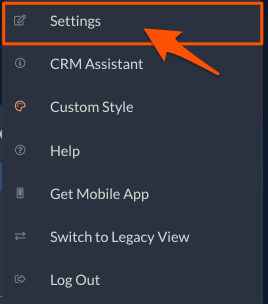
Click Settings
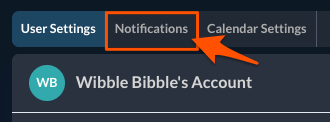
Click Notifications
Check all notifications and notification formats you want to receive. Uncheck those you do not want to receive. If you are unsure what each notification type means, hover over the question mark icon for an explanation.
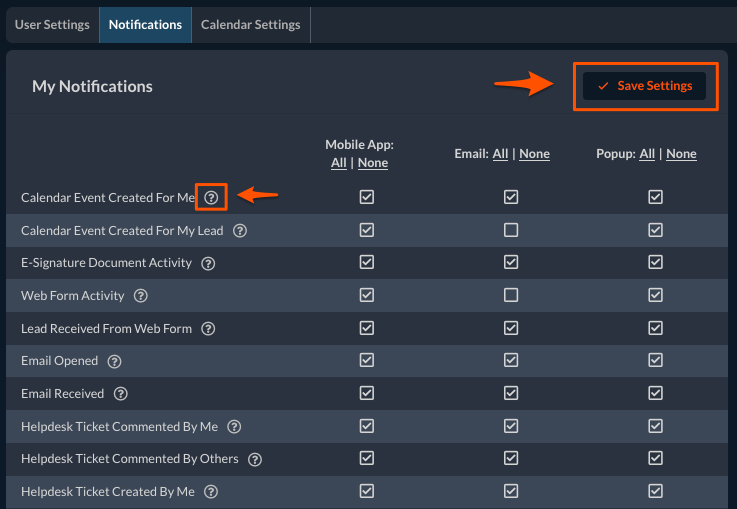
Click Save Settings

